
Another tool that I've been using since I've decided to switch to Neovim, is Tmux. It stands for Terminal Multiplexer. If you like working in the terminal, you have probably heard of it, or another tool like Zelij.
Tmux allows to split your terminal into different sessions, windows and panels to organize your workflow.
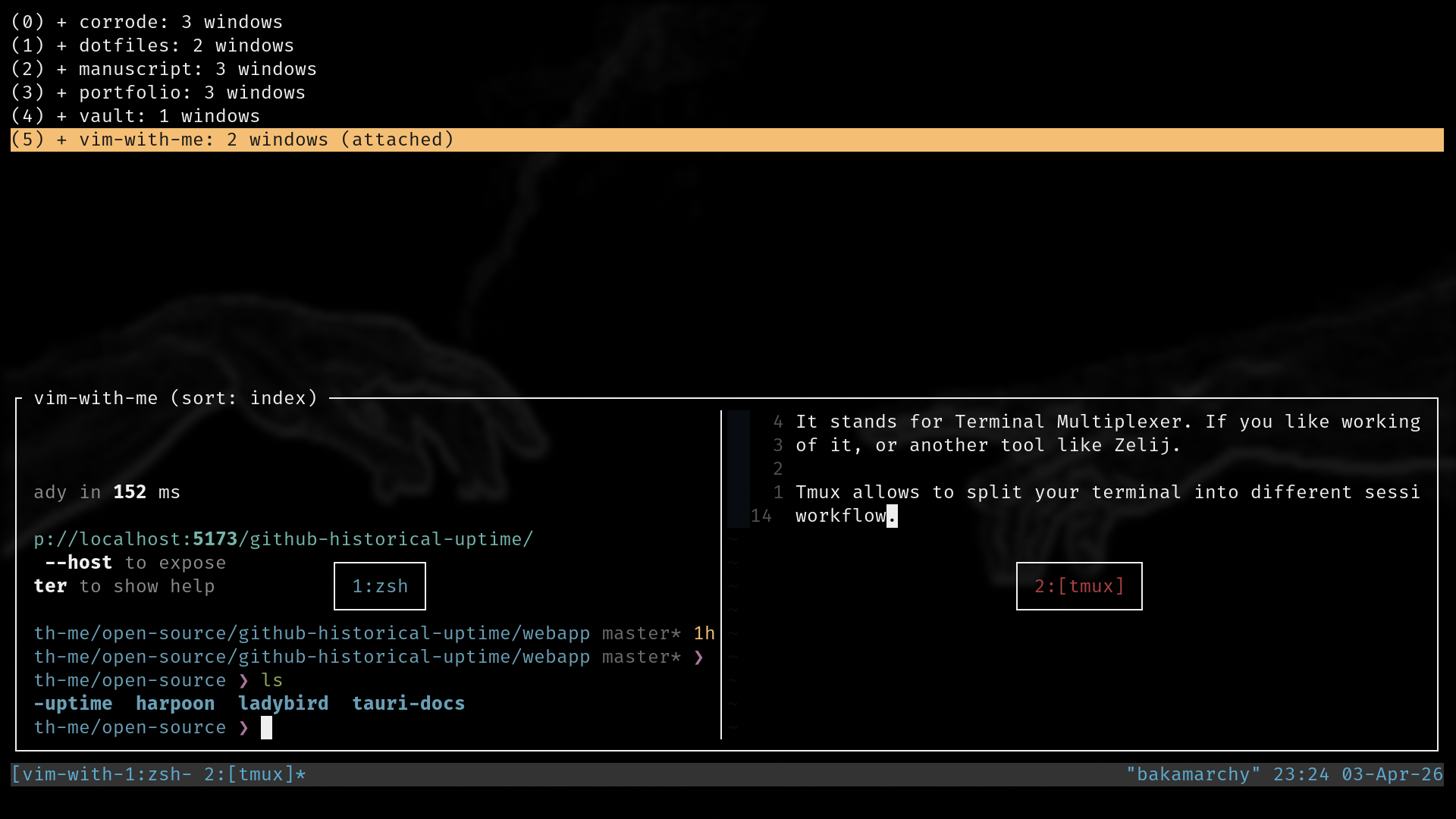
You can see on this image that I have multiple sessions opened for each and everyone of my project.
I can then easily switch to the one I want by using Ctrl-b + s (which list all my sessions).
After splitting your workflow into different sessions, you can split a session into different windows.
You can use one for your editor, one for the terminal and one for a coding ai prompt like claude code or
opencode.
That's usually the way I work. You can create a window by hitting Ctrl-b + c and then rename it by
hitting Ctrl-b + ,. You can also rename sessions by the way.
After this, you can also split your terminal into differents panels that you can organize and resize the way
you want.
But that's just the basics of what tmux can do. You can then customize it and install plugins to make tmux interact with neovim, etc.