
Tmux is a great terminal multiplexer and will always be in my heart. But in the day and age of AI, I must say that Herdr is a game changer.
I tend to always have a minimal setup when I use tools and AI tools. And that's why I've been starting to use Herdr. It does simple things, but does it really well.
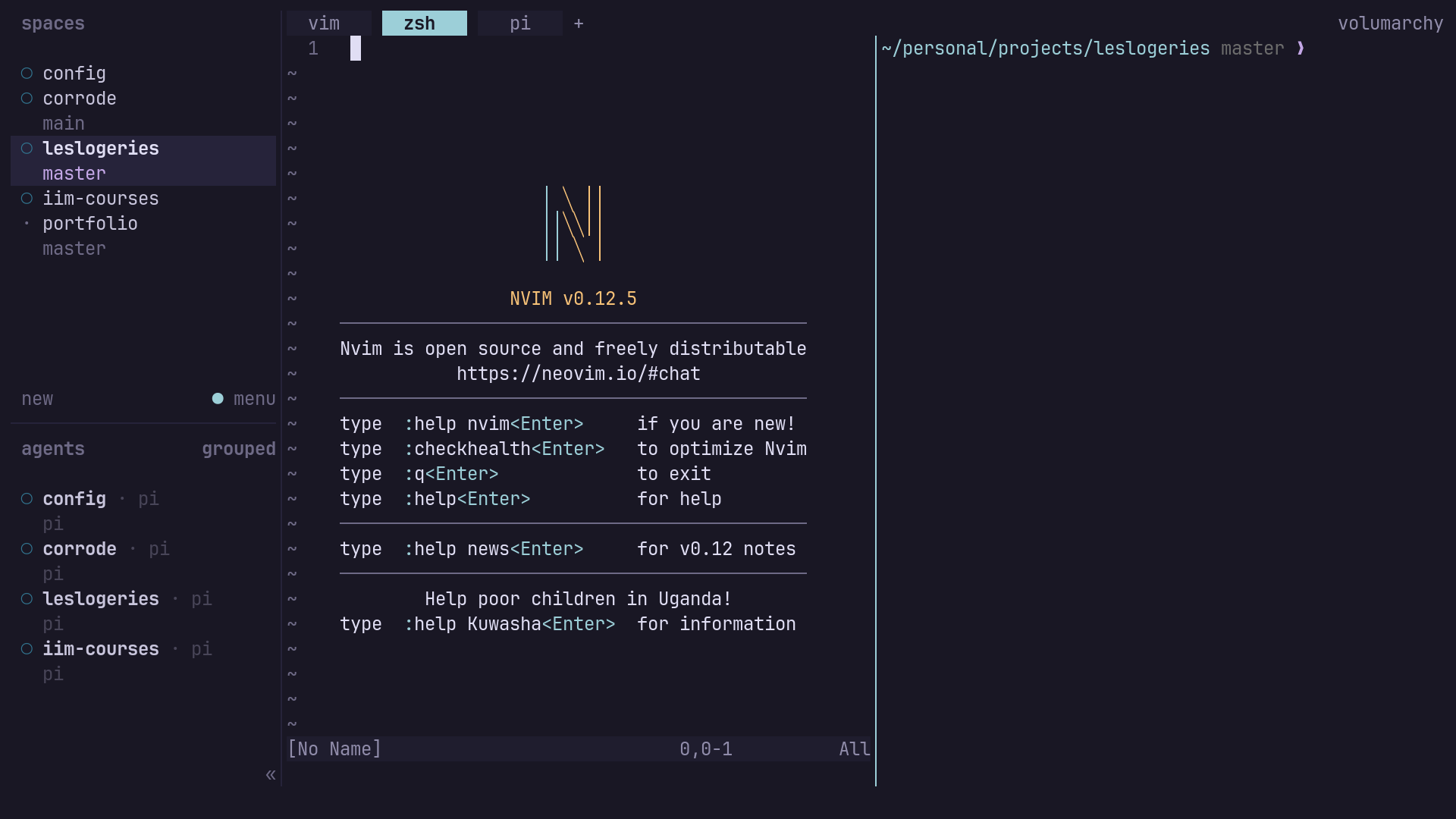
You can see on this image that I have multiple workspaces opened for each and every one of my projects. It's pretty similar to Tmux on this point. I can then easily switch to the one I want from the sidebar, which lists all my spaces and shows every agent's status at a glance — working, blocked, or idle. And that's where it becomes interesting ! After splitting your workflow into different workspaces, each one holds its own set of agent terminals. You can run one for Claude Code, one for Codex, and one for opencode, all in the same project. That's usually the way I work. Herdr reads each pane directly, so it always knows which agent is stuck waiting on you and which one is still grinding — you're not hunting pane by pane to find whoever needs an answer. The real advantage over something like tmux is that Herdr runs as a background server: close your laptop lid or lose the network, and the agents just keep working. Reattach later, from any machine, and everything is exactly where you left it.
But that's just the basics of what Herdr can do. You can also add remote machines over SSH and have their workspaces and agents sit right alongside your local ones, switch between them without opening a separate client, and drive it all through the same CLI and socket API the agents themselves use.